
Turn imagination into something real.
Imagine Lab helps kids design, build, test, and publish games with AI while learning creative problem solving.
- Ages 8–14
- 12 weekly sessions
- 1-on-1 mentor
From Idea to Playable Game
Every session ends with something the student is eager to show someone.
- 1Step 1
Plan
Start small. Decide what the thing actually is before building it.
- 2Step 2
Build
Make a working version, with AI as a teammate rather than an autopilot.
- 3Step 3
Test
Play it, break it on purpose, and find out what really happens.
- 4Step 4
Polish
Fix what broke and add the details that make it feel finished.
- 5Step 5
Push
Put it in front of real players and let them play it without you.
The Three Things We Build
Beneath the games, three capabilities are being built into every student. Roblox is simply where they get to practice them.
Engineering Workflow
Plan, Build, Test, Polish, Push. Students take something that exists only in their imagination and turn it into something real. The projects change; the loop does not.
AI Engineering
AI is another member of the creative team, not the one making the game. Students learn to explain what they want, catch when AI is wrong, and decide when it is actually useful.
Creator Mindset
Ideas are easy; finishing is hard. Bugs are not disasters, feedback is not criticism, and finished and shown beats perfect and hidden.
Featured Course
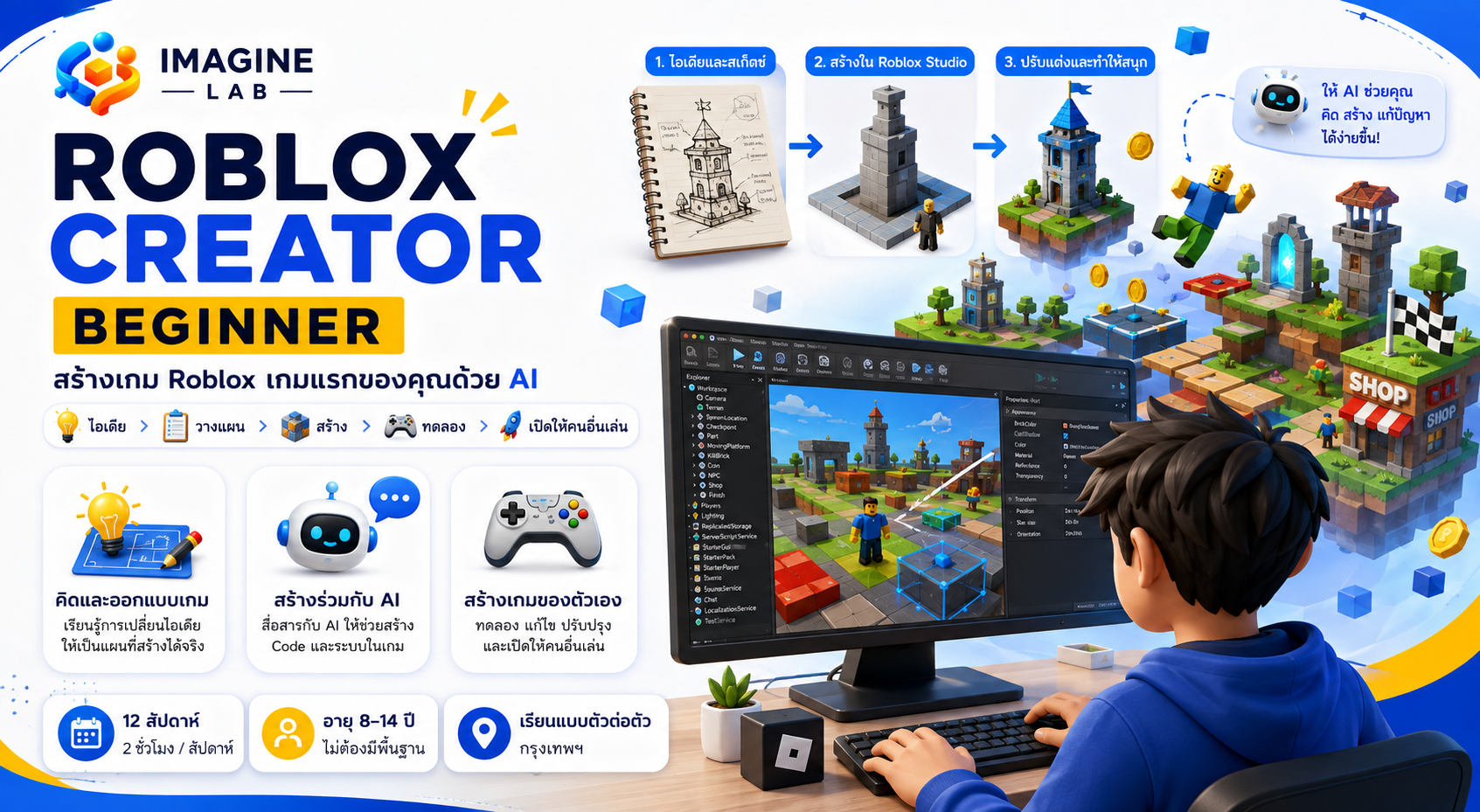
Launch Your First Game
A 12-week creative mentorship program in Roblox game-making.
Imagine Lab is a creative mentorship studio, not a coding class.
- 12 weekly sessions
- 2 hours each
- Ages 8–14
- In person in Bangkok
Always Know What Your Child Learned & Built.
Our dedicated Parent Space provides full transparency into your child's learning journey:
- Know what your child learned: Detailed lesson summaries and skills practiced.
- See actual creations: Play and test finished projects and in-progress builds.
- Follow course progress: Real-time tracking through chapter roadmaps.
- Read teacher notes: Instructor observations and constructive feedback.
- Understand next steps: Clear view of upcoming milestones and creative goals.
Designed the enemy behavior, then broke it on purpose to find out where it got stuck.
Creativity before syntax.
AI is a teammate rather than an automatic game generator. We empower young creators with the foundational logic, architectural intuition, and creative confidence to build whatever they can imagine.